Fifty cybersecurity beliefs that create false confidence — the myths professionals see exploited daily, and what actually keeps you secure.
Get The Guide — $12.99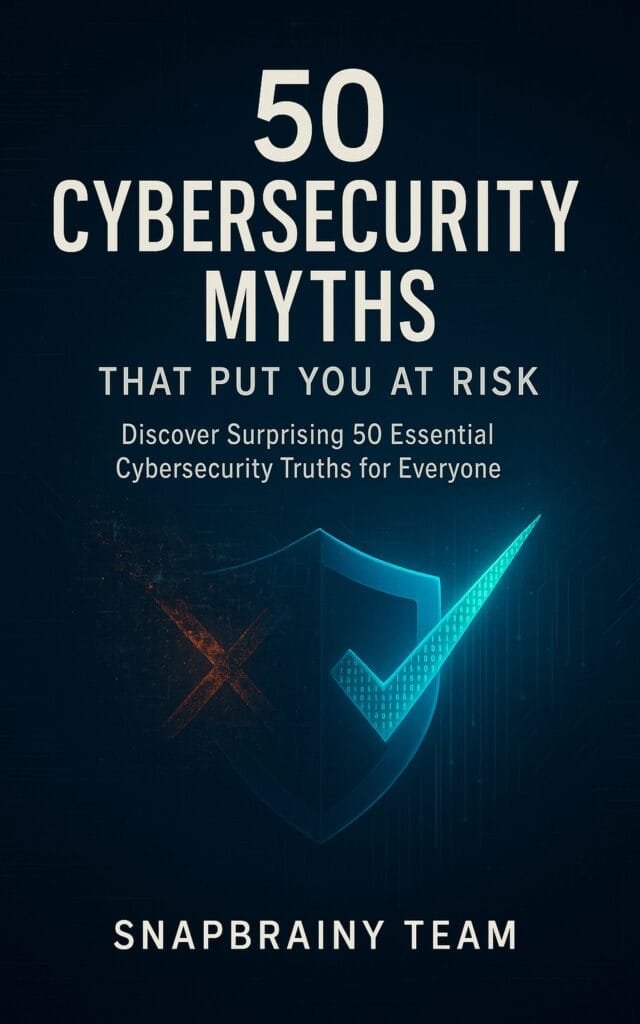
Sample chapters
The beliefs that create real vulnerabilities — and what the actual risk looks like.
Password complexity helps. Password reuse destroys that help. The average person reuses the same password across 14 accounts. When one of those accounts is compromised in a data breach — and breaches happen every day — every other account with that password becomes accessible. The problem is not password strength. It is password uniqueness. A password manager generates and stores a unique password for every account. This is the only method that actually works.
Antivirus software catches known threats. Cybercriminals do not reuse known threats. Modern attacks use polymorphic malware that rewrites its own signature, zero-day exploits that target unpatched vulnerabilities, and phishing that bypasses detection entirely by tricking the user rather than the software. Antivirus is one layer of defense. It is not a complete defense. The chapter explains what antivirus does catch and what it does not — and what the additional layers are.
Most breaches go undetected for an average of 197 days, according to IBM Security research. Attackers gain access and wait. They map your accounts, harvest credentials, and exfiltrate data slowly and quietly. The signs that appear in movies — error messages, corrupted files, performance degradation — are not how professional attackers operate. By the time you notice, the damage is done. The chapter covers how to detect a breach before the attacker acts on their access.
Small businesses and individuals are not beneath attackers' notice. They are the preferred target. Large corporations have security teams, incident response plans, and intrusion detection systems. A small business or individual has none of these. Automated scanning tools identify vulnerable systems regardless of size. Ransomware does not check your revenue before encrypting your files. The chapter covers why small targets are actively preferred by certain attack categories.
Incognito mode prevents your browser from saving your browsing history, cookies, and form data locally. It does not prevent your internet service provider from seeing your traffic. It does not prevent websites from logging your IP address. It does not prevent network administrators from monitoring your activity. Incognito mode hides what you did from other users of the same computer. That is the extent of its protection. The chapter explains what actually creates anonymity and what does not.
A Wi-Fi password protects the network from unauthorized access. It does not encrypt traffic between users on the same network. On a public Wi-Fi network — even one with a password — other devices on the same network can intercept unencrypted traffic using freely available tools. The protection model for public Wi-Fi is a VPN that encrypts traffic end-to-end before it leaves your device. The network password is irrelevant to this protection.
All 50 myths
From password myths to network myths. Fifty beliefs that create the gaps attackers exploit.
Each chapter: the myth, the real risk, and the correct behavior.
Questions
No. Each chapter explains the myth, the technical reality behind it, and the practical action to take. The goal is not to make you a security professional. It is to close the specific knowledge gaps that attackers exploit.
No. The myths and corrections cover behavior — password habits, network choices, software practices — that apply regardless of operating system or device. Where OS-specific details matter, the chapter covers them.
Yes. Several chapters cover organizational behavior: shared password practices, the assumption that IT handles everything, the myth that corporate security policies are excessive. Each applies directly to small team environments.
PDF. Downloads immediately to any device. No expiry, no DRM.
Three to five pages per myth. Each covers what the myth claims, why it is wrong, the actual risk it creates, and the correct behavior.
Fifty beliefs that create real vulnerabilities — the myths professionals see exploited daily, and the correct behavior for each one.
One-time purchase. Yours forever.
Secure checkout · Instant email delivery · snapbrainy.com